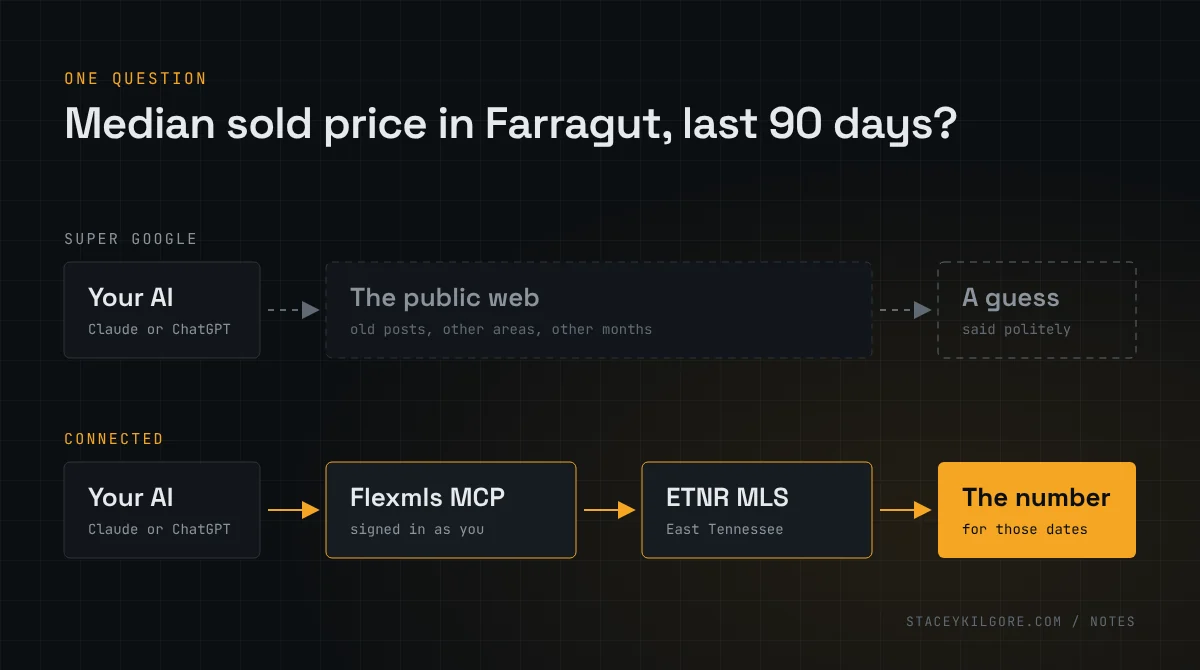
Congratulations. You passed the exam, your license is active, and somebody at the office handed you a login. You now have about fifteen accounts to set up and nobody gave you a list. This is the list.
I’m not an agent, yet. I’m the IT guy married to one. My wife Hilary is a REALTOR® with Keller Williams Signature here in Knoxville, and I build websites for agents, so I’ve watched this setup go right and go wrong more times than I’d like. The order matters. Do it in this order and you set each thing up once. Do it in the usual order, social media first, and you’ll change your link in bio three times and leave a Gmail address on Realtor.com forever.
The short version
- Your brokerage’s tools, because they’re already paid for.
- One identity: your name, one headshot, a domain, email on that domain, and a business phone number.
- The public profiles that Google and the AI assistants read about you.
- Social media, with the link in your bio pointing at an address you own.
- Your own website, then SEO and AEO.
Plus three things that don’t fit in a step: a password manager, a place for leads to land, and the fine print on everything.
1. Start with what your brokerage already gave you
Every big brokerage hands new agents a stack of software. Learn it before you buy anything, because you’re already paying for it, and because your broker’s rules are built into it.
Hilary is at Keller Williams, so that’s the stack I know. KW’s platform is Command: a CRM for contacts and leads, SmartPlans that automate follow-up by text and email, Designs for marketing graphics, Campaigns for ads, transaction tracking, and a mobile app for all of it. Command access is included in a KW agent’s technology fee. KW also gives each agent a website with listing search on it. Hilary’s is hilarykilgore.kw.com, and it’s where the search button on her own site points, for reasons I covered in another post. Training lives in KW Connect, and the course for new agents is called Ignite. Take it. I’ll admit KW’s new-agent stack is excellent, and I say that as a man who builds websites for a living and still tells KW agents to use the KW one for search.
Not at KW? Your brokerage has its own version of most of this. Ask your broker for the list of what’s included, write down every login, and find the search site they gave you. You’ll link to it in steps 4 and 5.
2. Decide who you are, once
Every later step asks for the same five things. Settle them now and the rest is fill-in-the-blank.
- One version of your name. The one on your license, unless you have a good reason. Not Hilary Kilgore on one profile, Hilary K. Kilgore on the next and Hil on the third. Pick it and never vary it.
- One headshot. Professional, recent, just you. Use the same file everywhere, so the face on Zillow matches the face on Google matches the face at the closing table.
- A domain. yourname.com if you can get it, about $10 to $20 a year. Buy it even if the website comes later. It’s the one address that’s still yours whatever brokerage you’re at in five years.
- Email on that domain. you@yourname.com, through Microsoft 365 or Google Workspace. A Gmail address on a business card says “new,” and it’s harder to replace later than you’d think, because it’s about to go on a dozen profiles.
- A business phone number. Your cell is fine. Just decide that it’s the business line, because it’s going on everything, and changing it later means changing everything.
Then write your email signature: name, REALTOR®, firm name, firm phone, your cell, your email, your domain. More on the firm name and phone in the fine print below.
3. Claim the profiles that describe you
Before anyone finds your Instagram, Google and the AI assistants will read a handful of public pages about you. Most of them get created by somebody else, with your name on them, before you’ve done a thing. Claim them and fix them.
- The state. verify.tn.gov is Tennessee’s license lookup. Check your name and your firm. Your principal broker handles changes with the Commission.
- Your brokerage’s roster and the MLS roster. These feed the portals. The office updates them, so make sure the office has the name, photo, email and phone from step 2.
- Zillow. The agent profile is free: headshot, bio, your website and social links, past sales through your MLS agent ID, and reviews, which Zillow says can come from anyone you’ve helped with real estate, not only closed deals.
- Realtor.com. Free for NAR members. NAR says complete profiles got up to four times the impressions of incomplete ones in the year ending June 2025. That’s Realtor.com’s own number, so take it as the sales pitch it is. Filling in a profile is still free.
- Homes.com. Also free.
- Google Business Profile. Google’s guidelines name real estate agents as “individual practitioners” who can have their own profile, separate from the brokerage’s. Set it up as a service-area business, which hides your address. Don’t use your home address, ever.
- LinkedIn and a Facebook page, with the same name, headshot, title, firm, phone and email as everything else.
Same name, same photo, same email, same phone, same domain, on every one of them. For a person, that consistency is most of what AEO is. When someone asks ChatGPT for a Farragut agent, it’s reading these pages, and they’d better agree with each other.
4. Social, with the link pointing home
I’m keeping this short, because Hilary does it better than I can. She taught a class at the Keller Williams office in Knoxville called Likes to Leads, and the whole thing is on her YouTube channel, free.
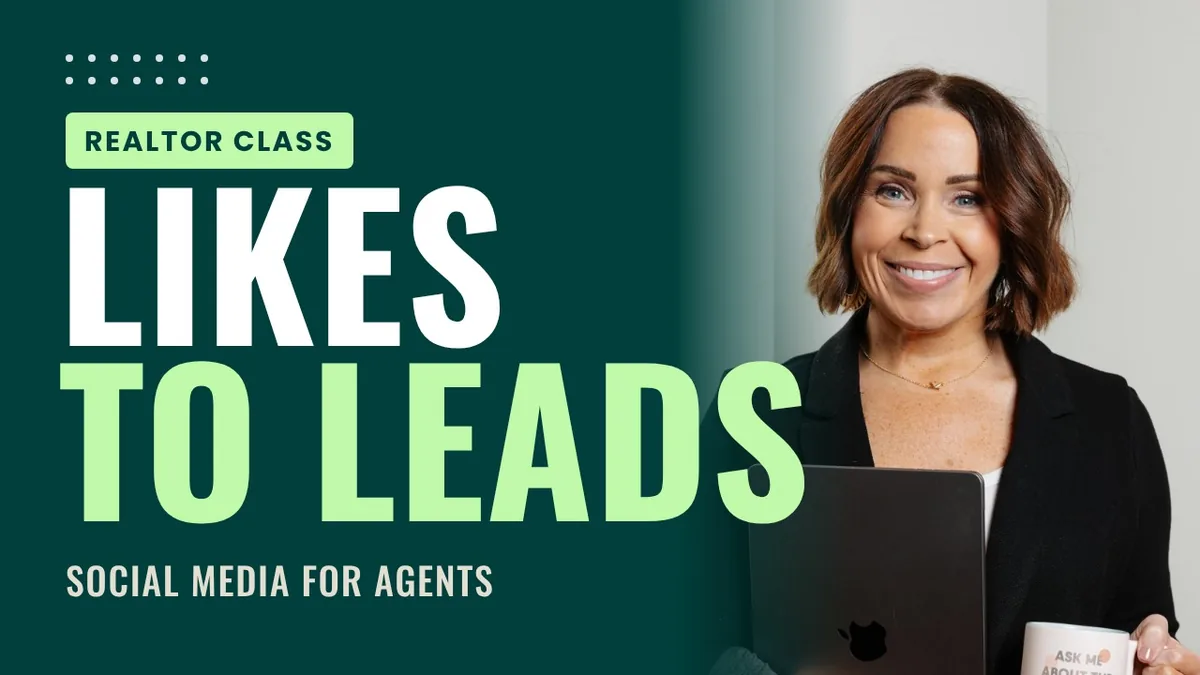
The quick rundown. Why social matters: she’s paid for leads her whole career, and social is the lead source you don’t pay for. What to post, which is not just houses. Telling your clients’ stories instead of your own. Branding yourself. How she stays consistent, which is the part everyone skips. Why you have to do video, with examples. And setting up your Instagram and Facebook profiles so people can find you and reach you. There’s a fire alarm at the 45-minute mark. Nobody was on fire. I scrubbed most of it out.
My one technical contribution: the link in your bio goes to your own domain, not a link-in-bio service. Even if your site isn’t built yet, point the domain at your brokerage site for now and change it later. The bio link is the one thing on social you own, so make it an address you own.
5. Then your own website, SEO and AEO
Last, because everything above feeds it. Your site is where the profiles, the bio link and the email signature send people, and it’s the one page about you that you write. I’ve already covered what most agent sites leave out and why mine don’t search the MLS, so the short form: it should answer the questions people ask before they call, which are who you are, where you work, what the process is, and how to text you. It should carry your license number, firm name and firm phone on every page. And it should link to the search site your brokerage gave you.
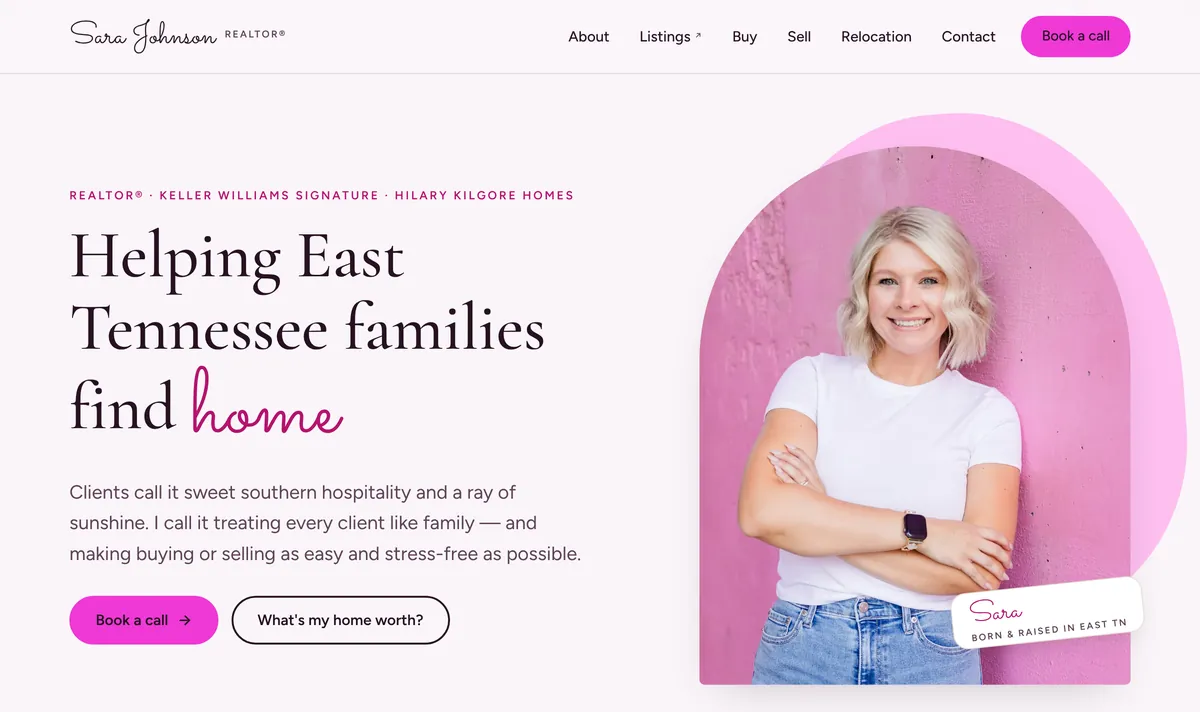
SEO is making that page easy for Google to read. AEO is making it easy for an AI assistant to quote. Both are mostly boring plumbing, and I’ve written a page on the difference. Sara Johnson, a new agent on Hilary’s team, launched hers in September. Her name, brokerage, team and license number are on the home page before you scroll. That’s most of the trick.
The three that don’t fit in a step
A password manager and two-factor authentication, on day one. You’re about to create fifteen accounts in a week, and real estate email is a favorite target. FinCEN’s 2023 analysis of wire fraud in real estate found the people most often impersonated were the ones in the closing process, agents included, and that individual homebuyers suffer disproportionately. Pick a password manager, turn on two-factor for your email first, and never reuse the email password anywhere. Your email is the key to every other account on this list.
Decide where leads land. Every profile above has a contact form, and each one emails somewhere. Make it one inbox you check, with notifications on your phone. A lead that waits a day is a lead that called the next agent.
The fine print. In Tennessee, advertising includes your website and your social media, and every ad has to carry your firm’s name and the firm phone number on file with the Commission, with the firm name in letters at least as large as your own. On a website, that’s every page. On social media, it has to be no more than one click away. That’s Rule 1260-02-.12. I’m not your broker. Do what your broker says. But put the firm name and phone in the bio, the signature and the footer now, and you’ll be compliant before you’ve had to think about it.
None of this will get you a single like. It’s the plumbing under the house. Nobody compliments plumbing, which is how you know it’s working.
Quick answers
What should a new real estate agent set up first?
Your brokerage’s tools, because they’re already paid for and built to your broker’s rules. Then one identity: your name as licensed, one headshot, a domain, email on that domain, and a business phone number. Then claim your public profiles, then social media, then your own website.
Does a new real estate agent need a website on day one?
No, but buy the domain on day one. The website comes last because it’s where your profiles, your social bio and your email signature send people, and it’s the one page about you that you write yourself.
What has to be on a Tennessee real estate agent’s website and social media?
The firm name and firm phone number on file with the Tennessee Real Estate Commission, with the firm name in letters at least as large as the agent’s name. On a website that means every page; on social media it has to be no more than one click away. That’s Rule 1260-02-.12. Your broker has the final word.
Sources: KW Outfront Magazine, KW Command: how an all-in-one platform can transform your real estate business, July 2025, and KW Command: new enhancements, February 2025, and How Keller Williams supports new agents in year one, June 2025; Hilary Kilgore, Likes to Leads, YouTube, October 2026; Zillow, Create a free agent profile; NAR, Realtor.com member benefit; Homes.com, Is it free for agents to sign up?, August 2022; Google, Guidelines for representing your business on Google; FinCEN, Business email compromise in the real estate sector, March 2023; Tennessee Rules 1260-02-.12, Advertising, current through June 2025; all checked October 19, 2026.